

Help Center / Business phone
Connect your business phone (Quo) to Foreman
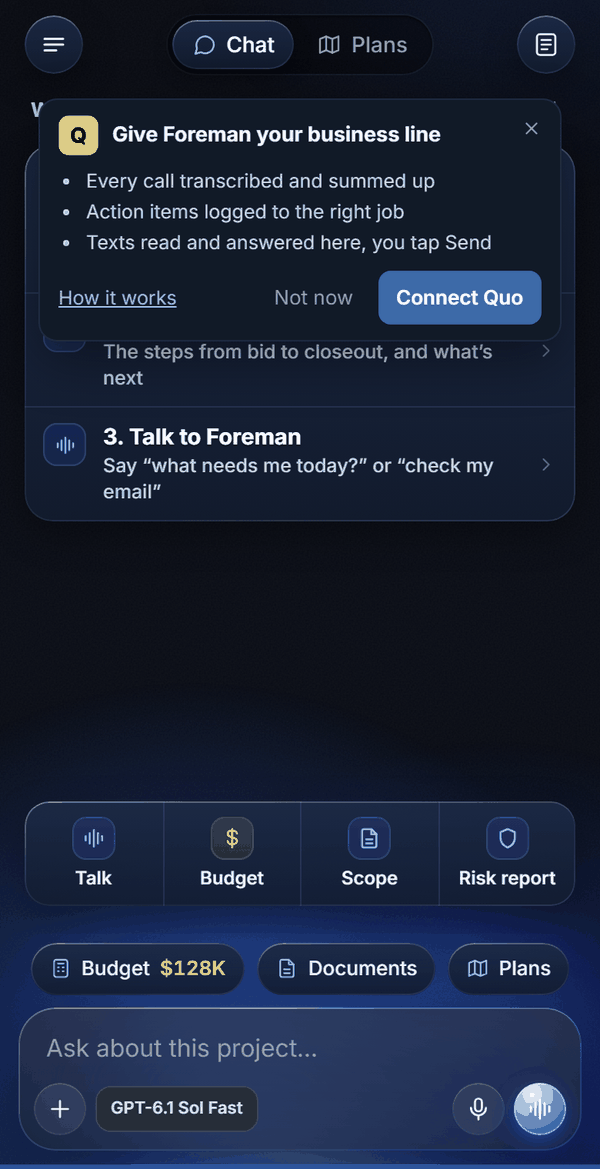
Connect your Quo line and Foreman reads your calls, transcripts and texts, saves the important facts to the right job, and writes texts you send with one tap.
Business phone
What Foreman does with your calls and texts
Once your Quo line is connected, Foreman treats your phone like the rest of the job file. Ask it where things stand with a client and it reads your calls, Quo's call summaries, your texts and your email together, then tells you what was agreed, what is still open and who owes what.
- Reads call transcripts and Quo's summaries and next steps.
- Reads your text messages with any client, sub or supplier.
- Saves the important facts from a call to the job: people and phone numbers, dates as reminders, scope and decisions.
- Writes texts in your voice. You see the text, can change it, and nothing sends until you tap Send.
- Catches you up on a client in one ask, across calls, texts, email and job notes.
Catch me up on everything with Jason from Cypress Creek.Did the homeowner on Lee Circle text me back?Read my last call with Steve and save what we agreed to the job.Text Rita that Harold can come out Thursday morning.Business phone
Connect it in about two minutes
You need an active Quo account and the Owner or Admin role on your Quo workspace. Do steps 1 and 2 on a computer.
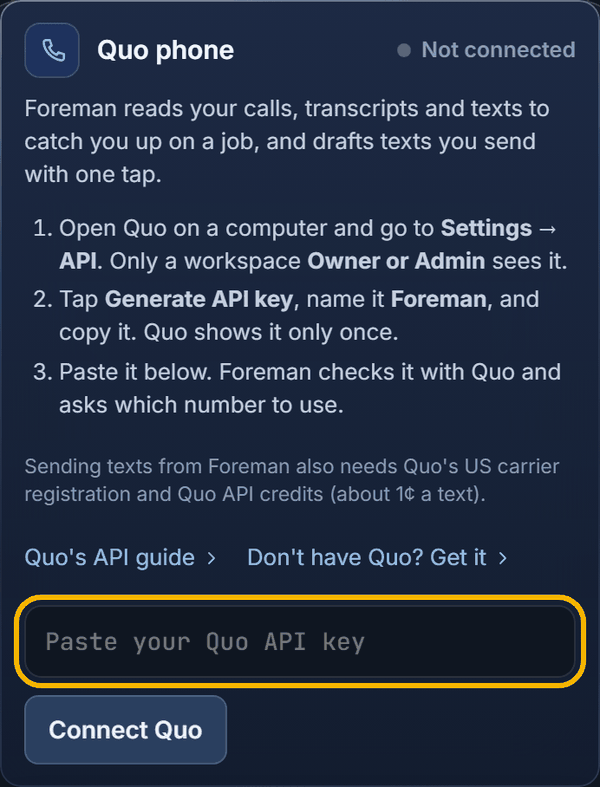
- Open Quo and go to Settings, then API.
- Click Generate API key, name it Foreman, and copy it. Quo shows the key only once, so paste it right away.
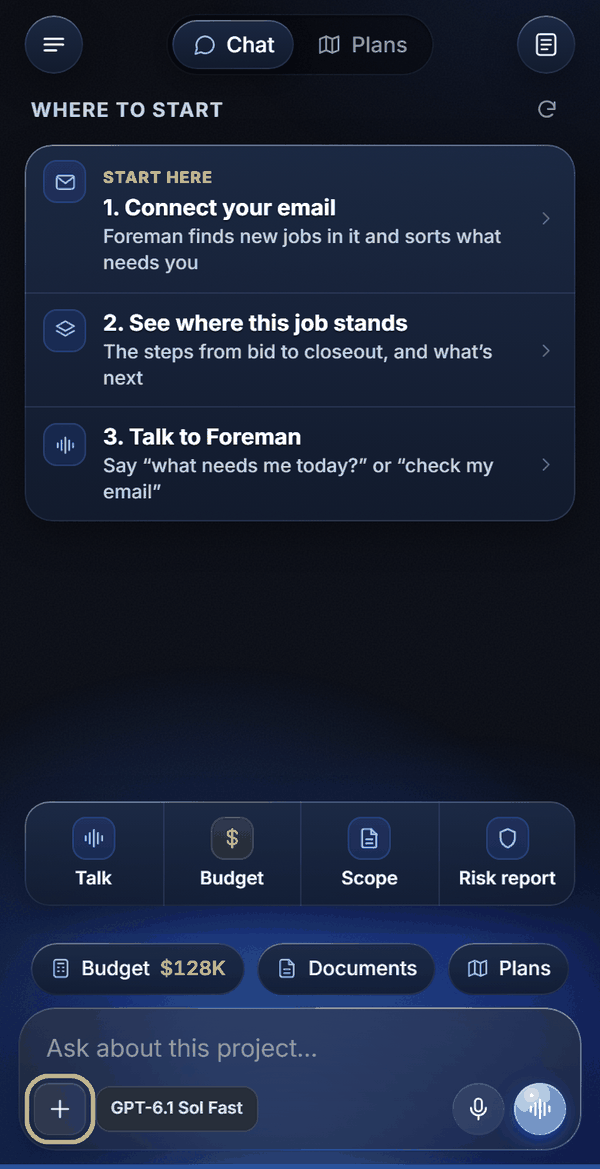
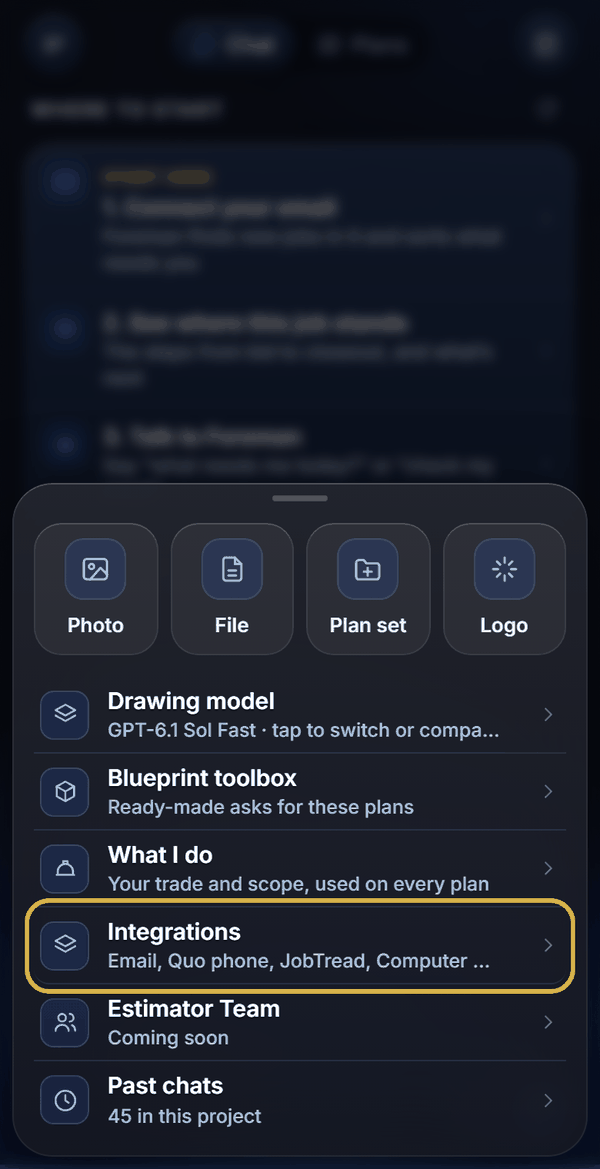
- In Foreman, tap + then Integrations, find Quo phone, paste the key and tap Connect Quo.
- If your Quo account has more than one number, Foreman asks which one to use. Pick your main business line. You can switch it later from the same card.
Business phone
Already saved the key on your computer?
If your computer is connected to Foreman (Computer Control) and the key is saved in a file there, tap Get it off my computer on the Quo card, or just tell Foreman: "Connect my Quo phone using the key on my computer."
Foreman's server reads the key from the file itself, checks it with Quo and saves it. The key is never shown in the chat or sent to the AI.
Business phone
Sending texts from Foreman
Reading calls and texts works as soon as you connect. Sending texts through Quo also needs two things on the Quo side:
- Quo's US carrier registration finished (Quo walks you through it; carriers require it for business texting).
- Quo API credits. Quo charges about 1 cent per text segment from the API, and texts fail if the credits run out.
- If a text does not go through, Foreman tells you which of the two to fix.
Business phone
Privacy and control
- Your key is stored on Foreman's server with your other connections and never shown again.
- Foreman only uses the number you picked.
- Foreman reads on its own, but every text waits for your tap.
- Disconnect any time: + then Integrations, Quo phone, Disconnect. You can also delete the key in Quo under Settings, API.
Business phone
Don't have Quo yet?
Quo (formerly OpenPhone) is a business phone app: a business number on your cell and computer, shared with your team. Sign up at quo.com, then come back and connect it.
Keep learning